> For the complete documentation index, see [llms.txt](https://docs.cloudcyte.com/llms.txt). Markdown versions of documentation pages are available by appending `.md` to page URLs; this page is available as [Markdown](https://docs.cloudcyte.com/admin-guide/home/integration_settings.md).
# Integration Settings
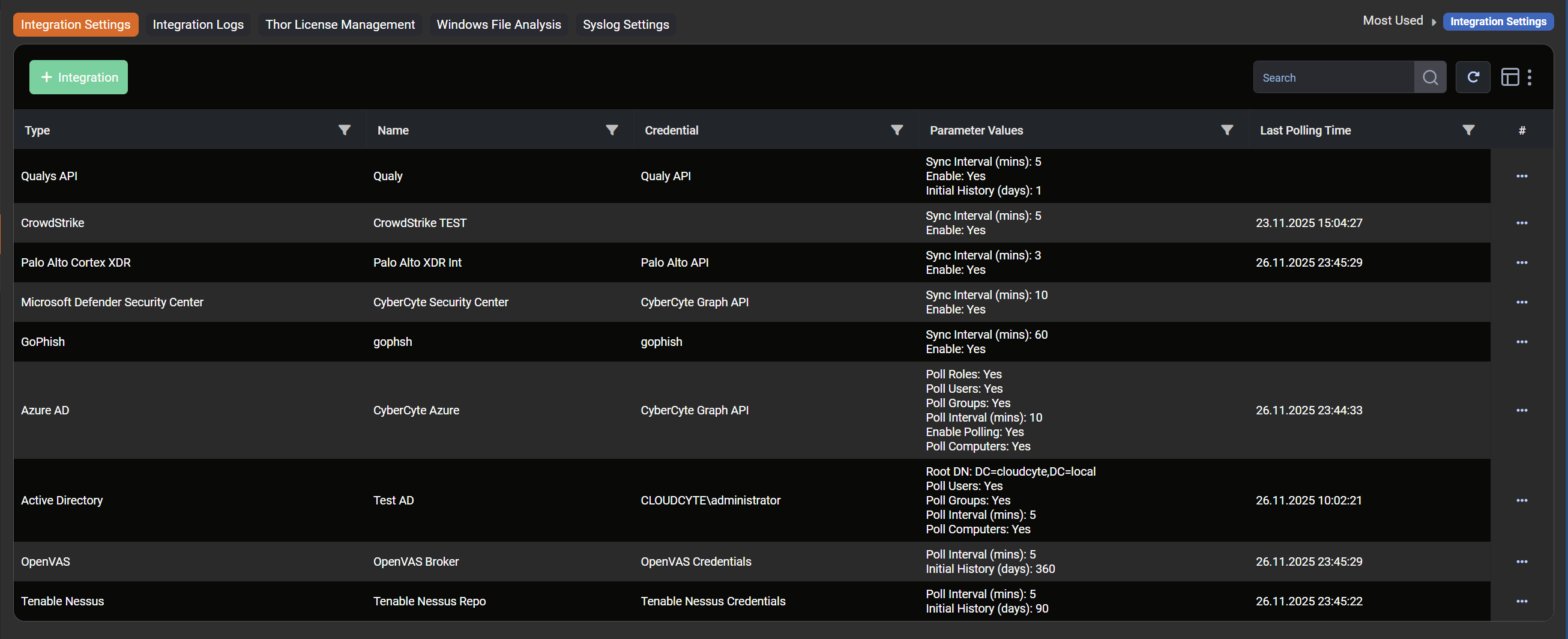
The CyberCyte can integrate various security and management platforms. This page designed for integrate other solutions with CyberCyte.
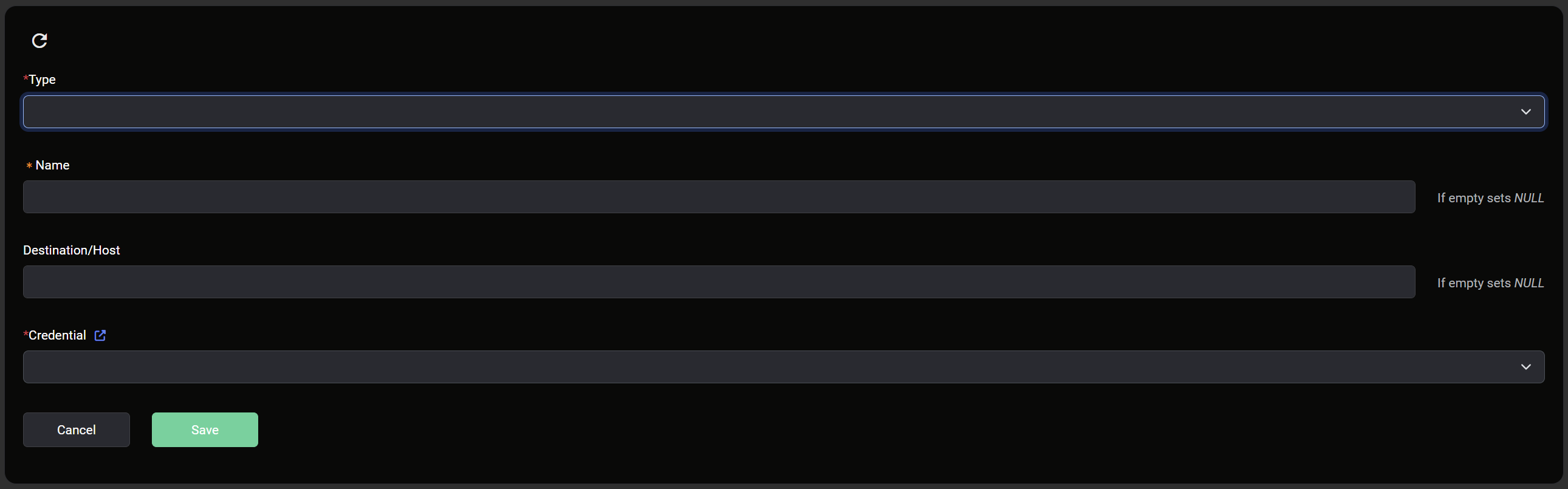
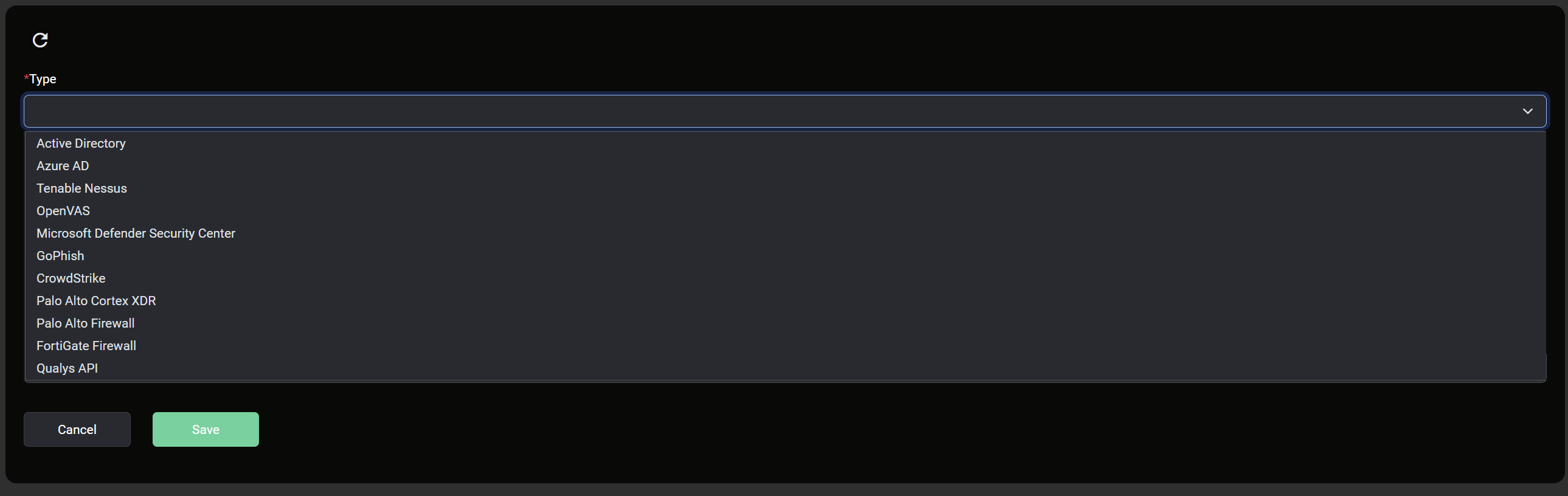
* Integration Settings designed for configuration of integration settings.
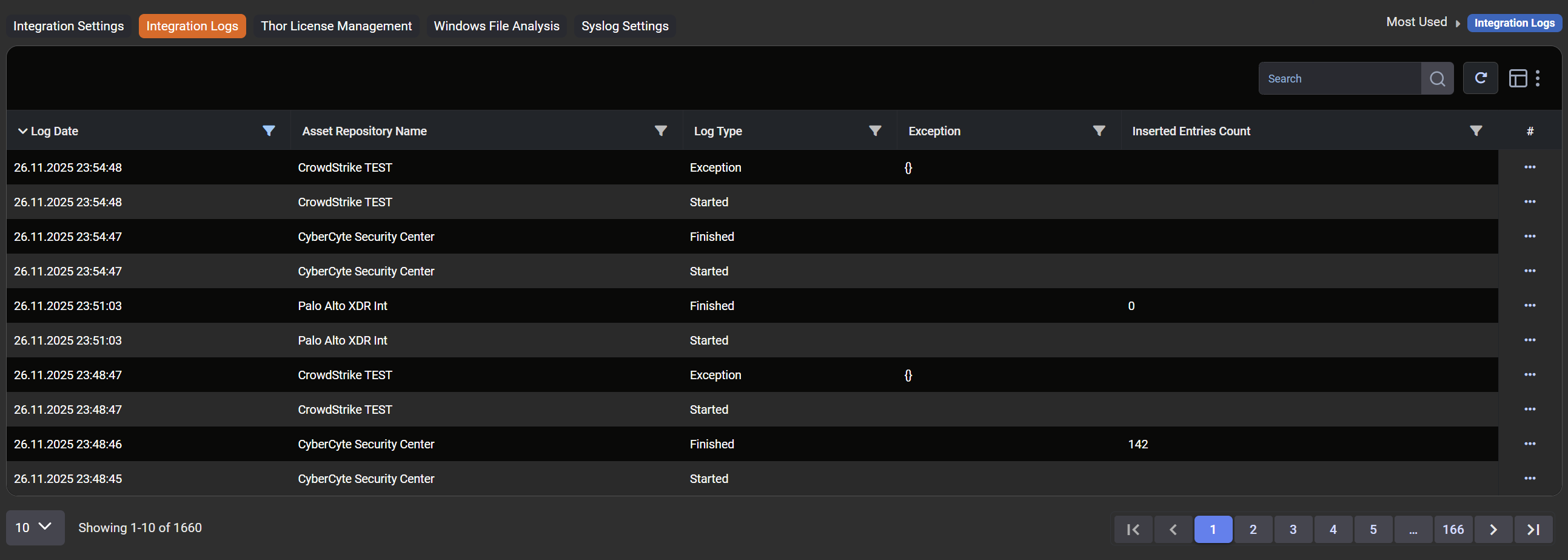
* **Integration Logs** designed for checking the exception and information logs.
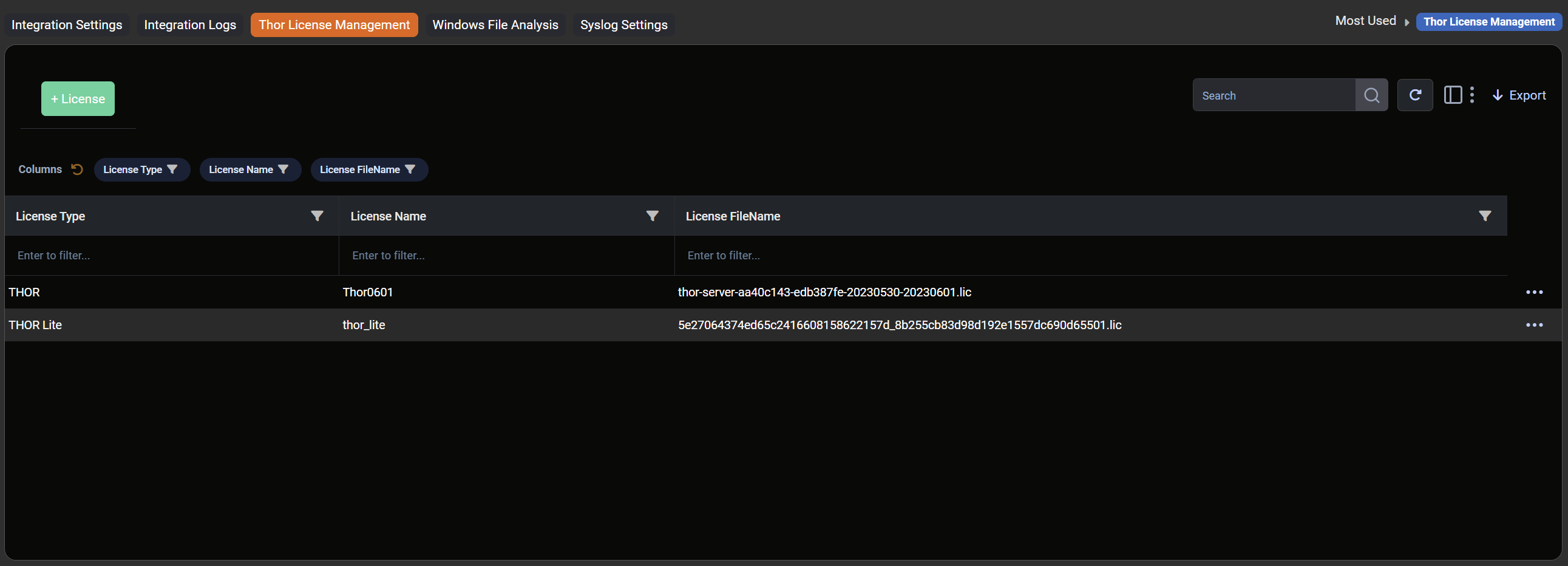
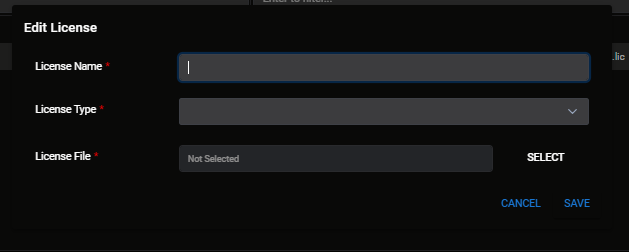
* **Thor License Management**: This section allows users to assign Thor licenses that they already have or new. The Thor license will be used for YARA analysis. For an example, please examine the image below.
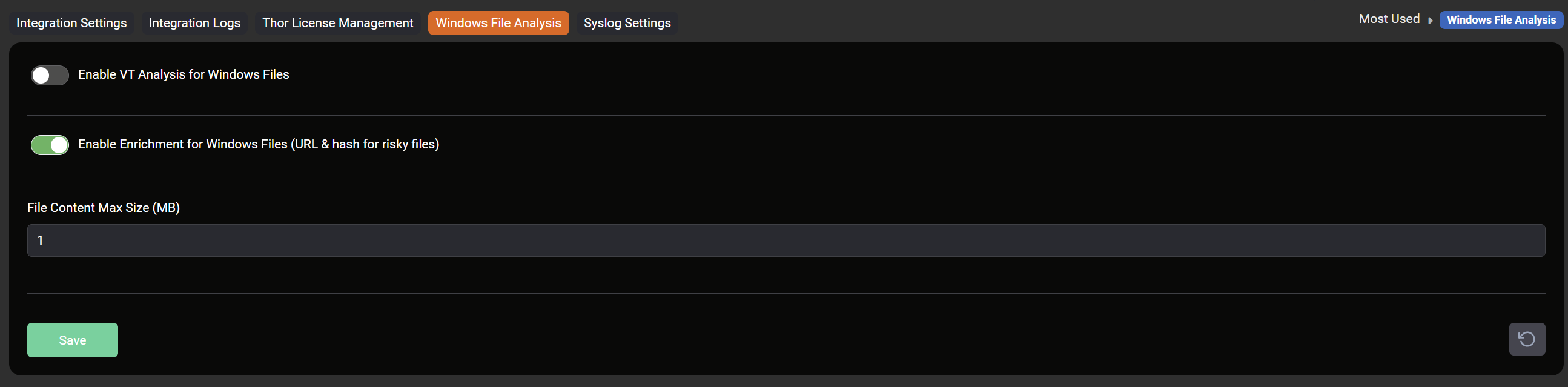
* **Windows File Analysis**: This section allows users to manage Windows file analysis settings. The users can enable or disable Virus Total Analysis or enrichment. Also, users can change the file content maximum size in this section.
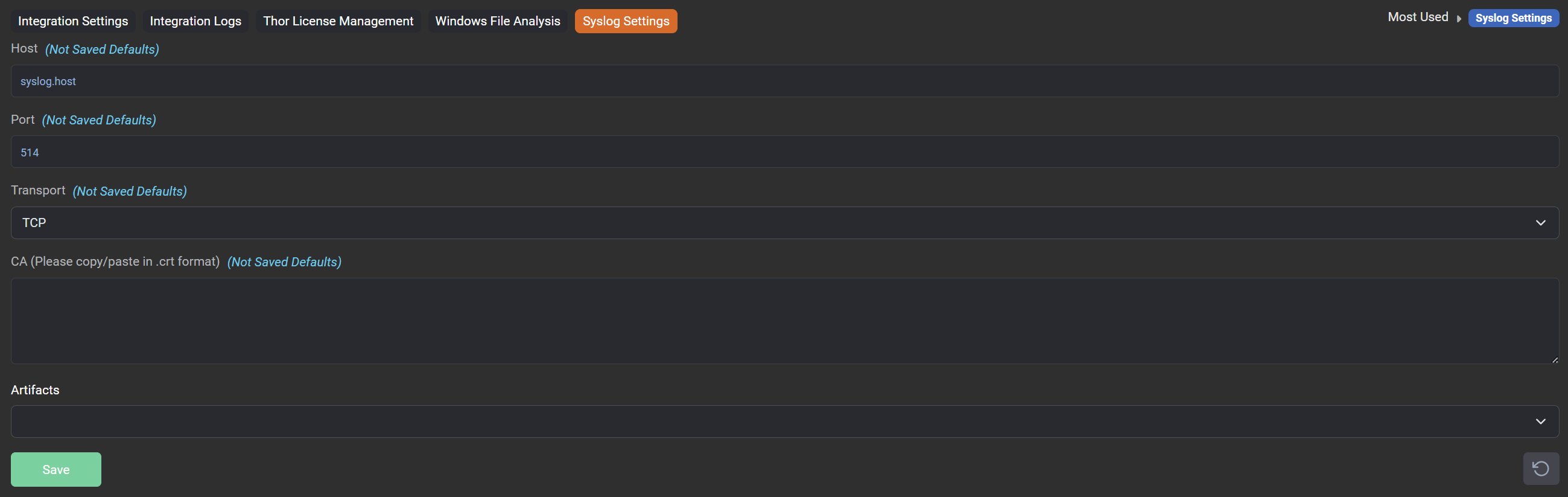
* **Syslog Settings**: This seciton is designed for log rotation for syslog.