> For the complete documentation index, see [llms.txt](https://docs.cloudcyte.com/llms.txt). Markdown versions of documentation pages are available by appending `.md` to page URLs; this page is available as [Markdown](https://docs.cloudcyte.com/admin-guide/dashboards/asset_identity.md).
# Asset & Identity
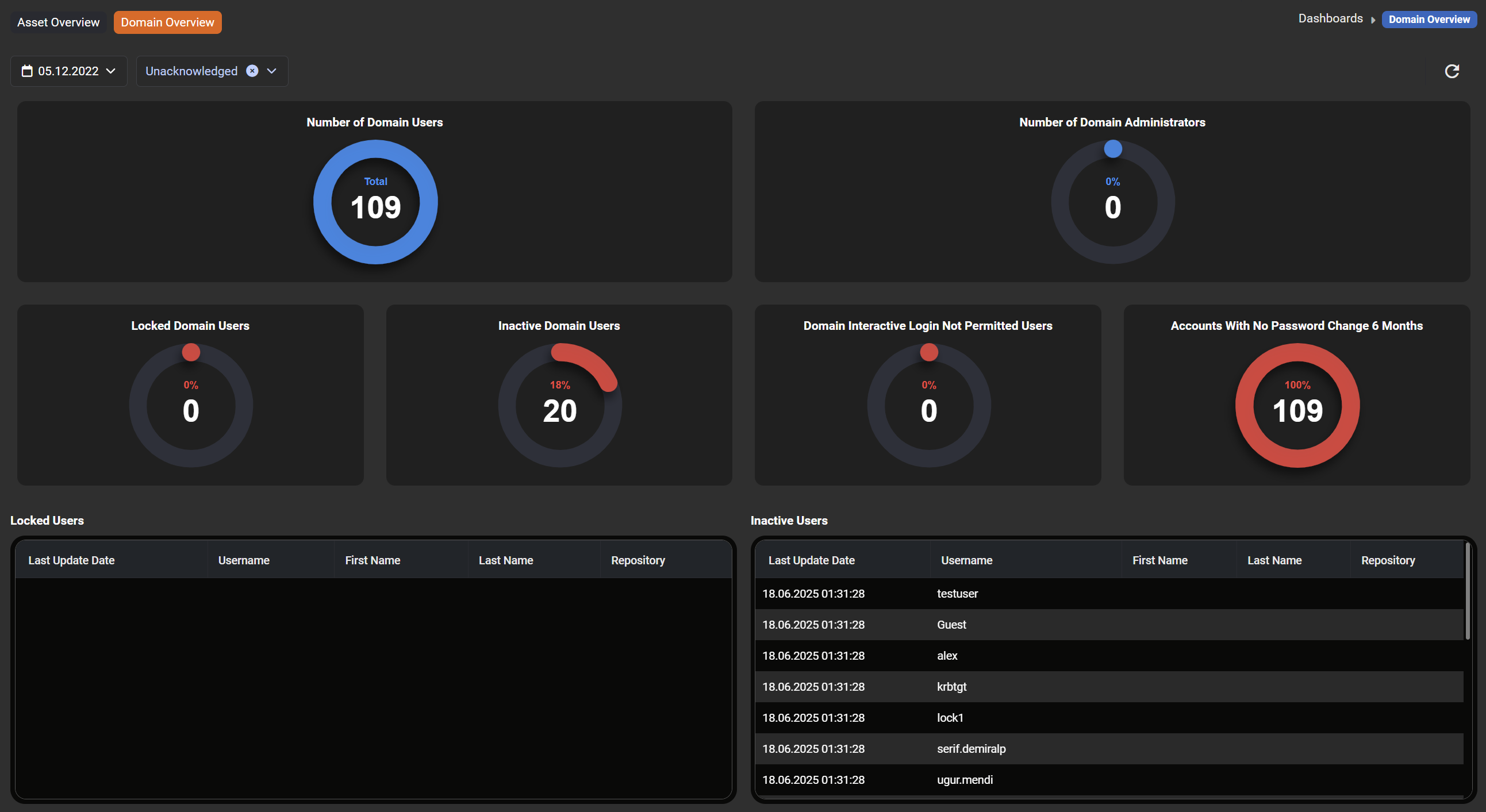
Asset & Identity dashboard allows users to keep tracking the active/inactive agents on the portal and the domain system on their own. Also, users can observe devices without the agent, unhealthy security softwares, and machines that contain weak passwords.
{% hint style="info" %}
The CyberCyte portal has to connect to the Active Directory for domain information.
{% endhint %}